








 Services
Blog
Français
Services
Blog
Français
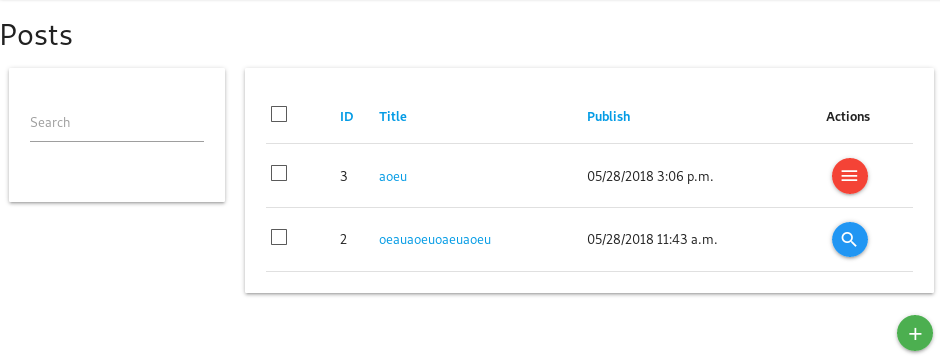
In the first screen we see that two posts in the list have a different button in the Actions column. The first row is a post that I’m the owner of, therefore the Actions shows a button for a dropdown menu. The second row is a post that I’m not owner of, but that has been published, so, I only have the detail link on that row. In the second screenshot, using the checkboxes reveals possible groupped actions on the bottom of the screen, here “Delete objects” which serves as reference action. In the third screenshot, we see how the DeleteObjects view relied on a secure queryset which only shows posts I’m owner of. It also draws a message about the post that I don’t own, and that I have checked for delete. Note that this is the feature that comes only in closed-source django-material, which we cannot use in Open Source governmental projects unfortunnately.
https://realpython.com/python-data-classes/
Great article about Python 3.7 data classes !
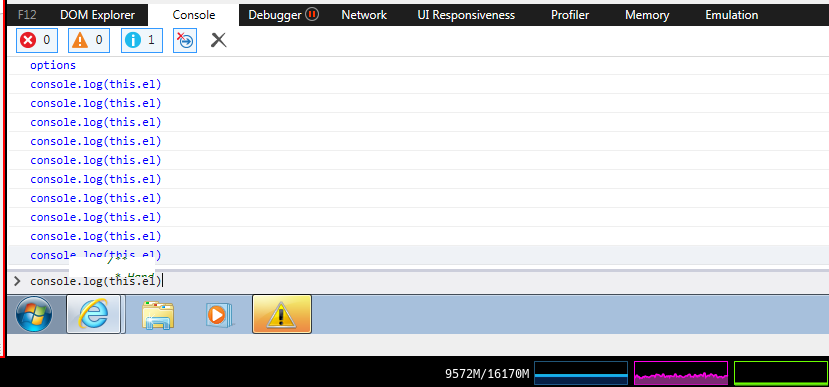
It is not supposed to evaluate the code in the console ?
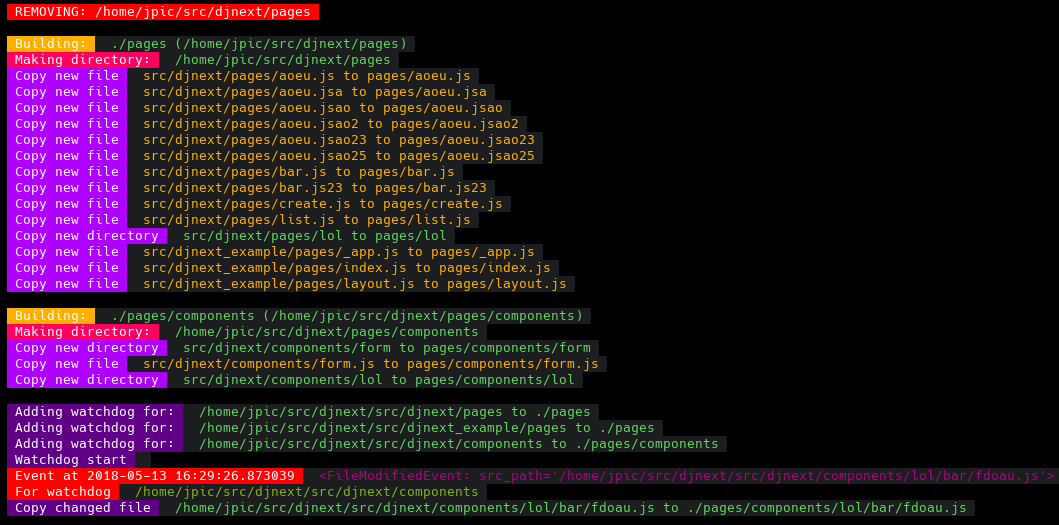
yarn add next react - Install django-appwatch with pip install django-appwatch, - Add appwatch to INSTALLED_APPS, - Run command manage.py appwatch pages:./pages The appwatch command will watch the pages/ subdirectories for each app, and build a pages directory aggregating them in the same way we have templates or static files. If you have added your project to INSTALLED_APPS, you can create a pages/index.js file in the project module, otherwise in an app that you include. The NextJS server will pick it up: ./node_module/.bin/next will start the server on port 3000. If you also want to add a components subdirectory to Django apps for React components, mount them into the ./pages/components dir so they will be importable from ./components from within your page templates: manage.py appwatch pages:./pages components:./pages/components. As for what to code in Django, I highly recommend a GraphQL endpoint. If you’re making a generic frontend module, you could have connectors like Crudl.io which supports both DRF and GraphQL. As for the UI toolkit, we want to start a fork of Crudl.io based on NextJS and Material-UI soon, appwatch will do great to manage per app templates ;)It’s an honnour to announce our new BtoC product at YourLabs: a computer repair shop.
What makes it different from other computer repair shop is that we’re going to expose OEM and data center provisionning technologies to end users.
In our shop, you will be able to discuss with a Level 1 staff who’s job is:
Power users will be able to service their products theirselves at our shop, in a chilly atmosphere encouraging working in pair, making new friends and share passion :)
Read Morehttps://git.yourlabs.org/oss/djnext
src/djnext_example/artist/urls.py:: CreateView.as_view( model=Artist, fields=[’name’], success_url=reverse_lazy(‘artist_list’), template_name=‘create.js’, ) The template backend you added will make a request to the nextjs server you have on port 3000 with yarn dev. ## Watchstatic command Run your manage.py watchstatic or yourproject watchstatic if your project has an entrypoint. This will watch static/ directories of all apps in INSTALLED_APPS, and build static_root/ directory. Also, it creates a symlink from static_root/pages to pages/, so that yarn dev will find it. On port 8000 we don’t yet have auto frontend code reload, but you have it on port 3000 wit h watchstatic running at the same time. ## Install in your project Add to ‘djnext’ to INSTALLED_APPS, add dict(BACKEND='djnext.Backend') to TEMPLATES. .. note:: To have the dev command, add crudlfap to INSTALLED_APPS. ## About This project was made possible thanks to Thomas Binetruy, frontend engineer intervening as pair programing on this R&D; project for a long time now ;) With LOVE from POITOU CHARENTE ∞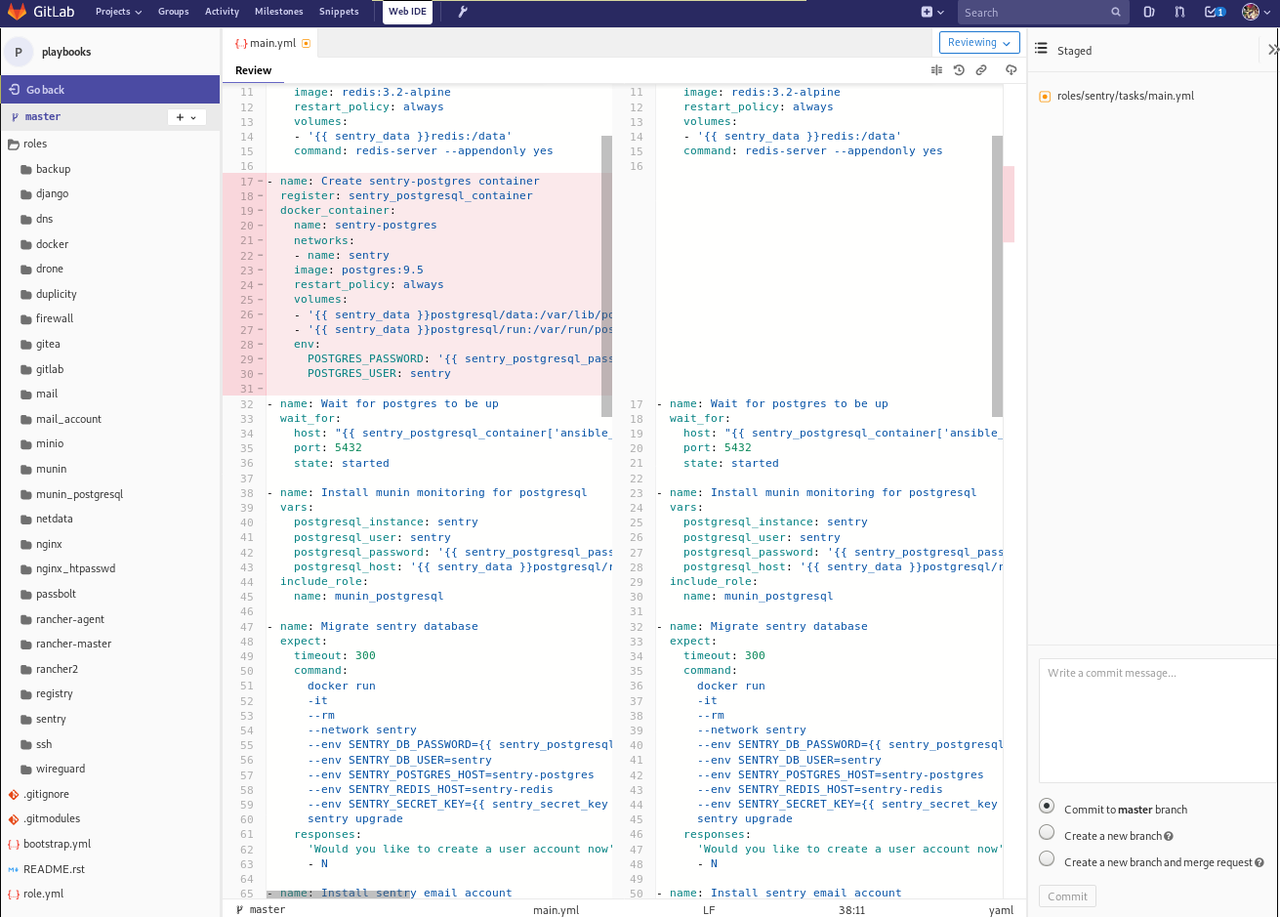
GitLab Web-IDE screenshot
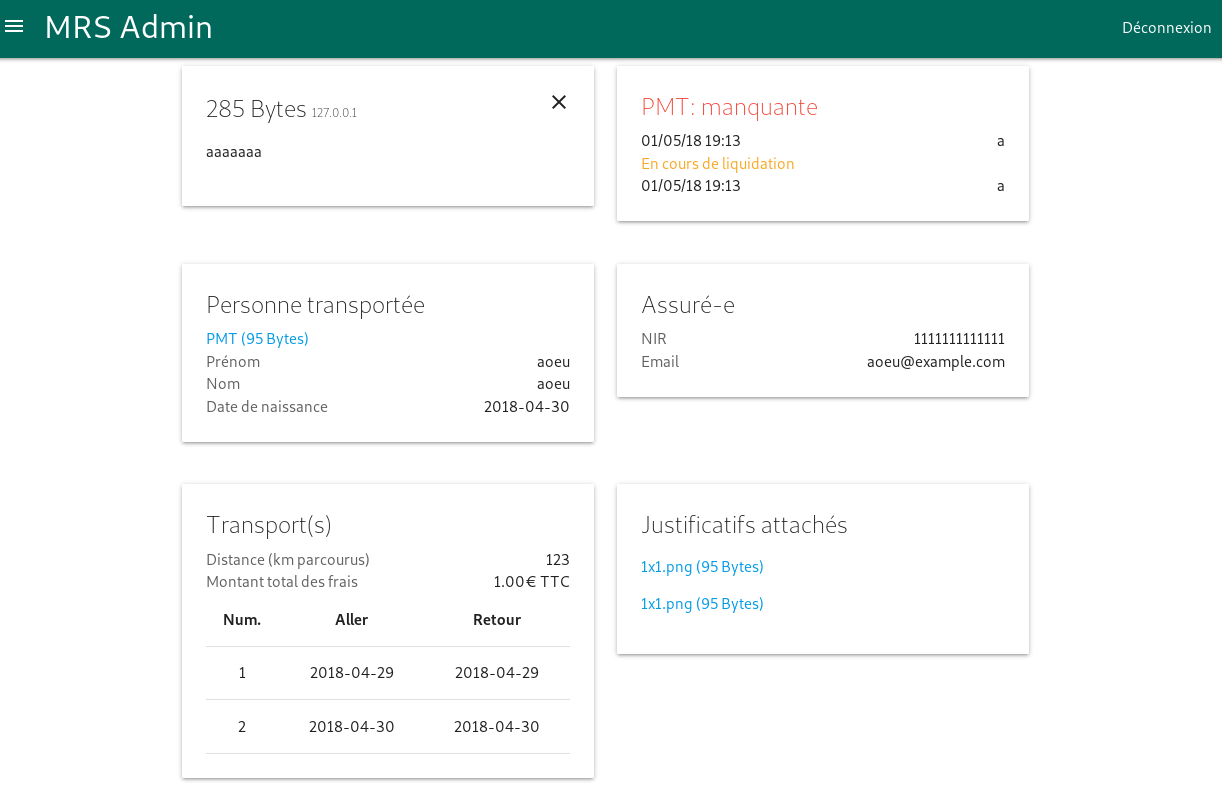
Some screenshots from a backoffice using CRUDLFA+
https://github.com/indietyp/django-automated-logging
Pretty cool alternative to django.contrib.admin.LogEntry
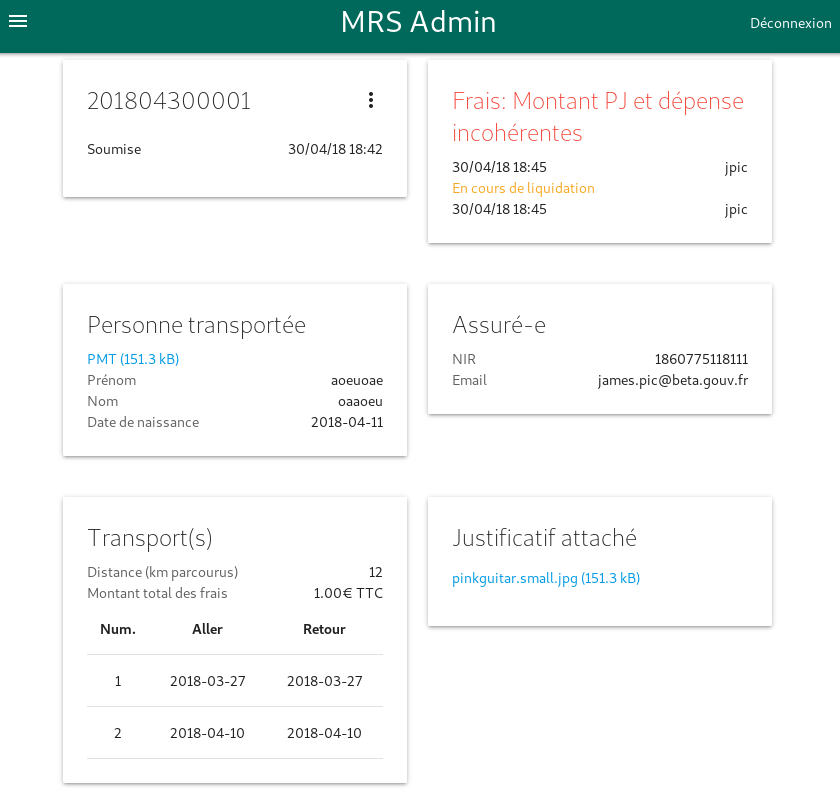
Still finishing CRUDLFA+ framework for Django 2.0, see example esponsive detail page for BetaGouv with MaterializeCSS.